
iOS 8.1 now available for download

iOS 8.1 is now available for download. I updated my iPad Mini-Retina Display with the latest update today morning.
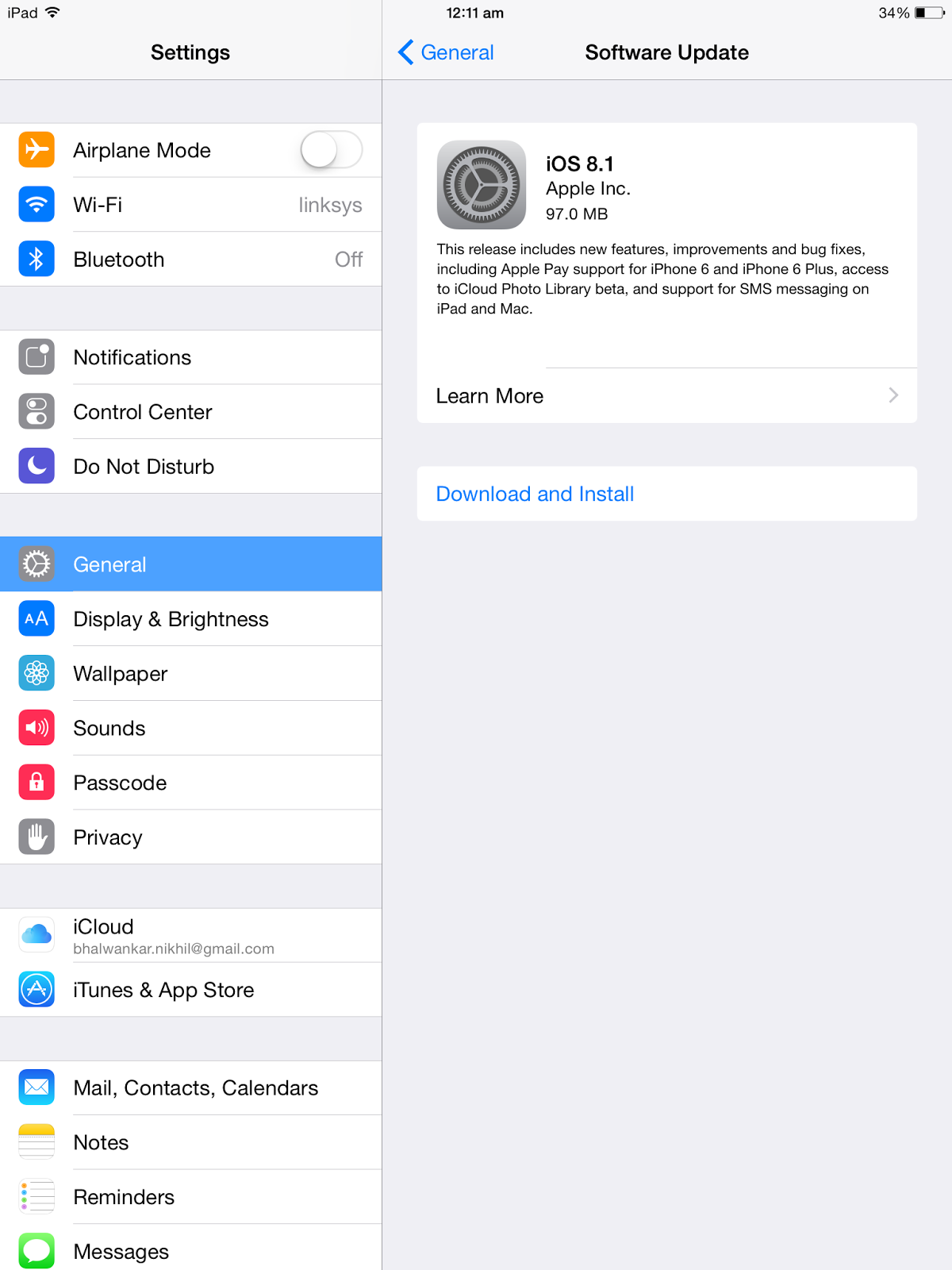
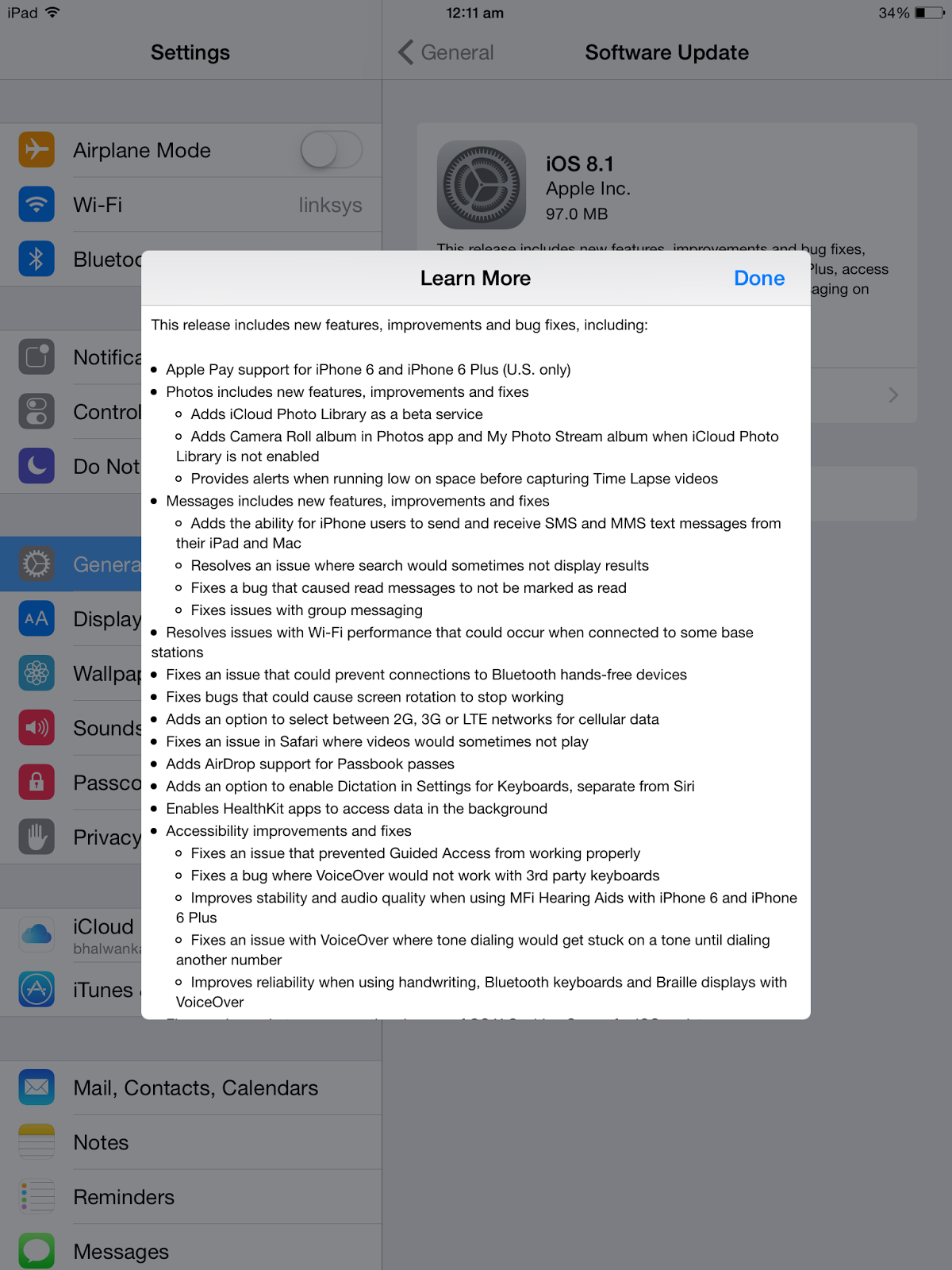

The update fixes various issues. Below is the information about the same,


  • Apple Pay support for iPhone 6 and iPhone 6 Plus (U.S. only)

  • Photos includes new features, improvements and fixes
    • Adds iCloud Photo Library as a beta service
    • Adds Camera Roll album in Photos app and My Photo Stream album when iCloud Photo Library is not enabled
    • Provides alerts when running low on space before capturing Time Lapse videos
     
  • Messages includes new features, improvements and fixes
    • Adds the ability for iPhone users to send and receive SMS and MMS text messages from their iPad and Mac
    • Resolves an issue where search would sometimes not display results
    • Fixes a bug that caused read messages to not be marked as read
    • Fixes issues with group messaging
     
  • Resolves issues with Wi-Fi performance that could occur when connected to some base stations

  • Fixes an issue that could prevent connections to Bluetooth hands-free devices

  • Fixes bugs that could cause screen rotation to stop working

  • Adds an option to select between 2G, 3G or LTE networks for cellular data

  • Fixes an issue in Safari where videos would sometimes not play

  • Adds AirDrop support for Passbook passes

  • Adds an option to enable Dictation in Settings for Keyboards, separate from Siri

  • Enables HealthKit apps to access data in the background

  • Accessibility improvements and fixes
    • Fixes an issue that prevented Guided Access from working properly
    • Fixes a bug where VoiceOver would not work with 3rd party keyboards
    • Improves stability and audio quality when using MFi Hearing Aids with iPhone 6 and iPhone 6 Plus
    • Fixes an issue with VoiceOver where tone dialing would get stuck on a tone until dialing another number
    • Improves reliability when using handwriting, Bluetooth keyboards and Braille displays with VoiceOver
     
  • Fixes an issue that was preventing the use of OS X Caching Server for iOS updates

Some features may not be available for all countries or all areas. For information on the security content of this update, please visit this website:
http://support.apple.com/kb/HT1222

Comments

Popular posts from this blog

Evolution X2.1 ROM on Samsung Galaxy Y Duos GT-S6102

I was searching for a custom ROM for Samsung Galaxy Y Duos GT-S6102 on internet and I found one on XDA Developers forums. The name of the ROM is Evolution X 2.1 ROM . The ROM Thread is present on XDA Developers forum. The installation process is pretty simple. I did not face any issues during the installation. I have made a walkthrough video of this ROM after I finished with the installation. The ROM gives really nice look and feel to the phone. I liked it.   Below are the features mentioned by the developer of this ROM on XDA Developer Forum thread:-   Rooted,Deodexed,zipaligned etc.. Based on DDLG1 firmware MIUI music player Highly minimalistic. Scrolling cache is disabled for smoother scrolling. Lidroid 15 toggles. 6 lockscreens swipe to remove notification Modded touchwiz launcher with *5 icon dock *Transparent 4x4 app drawer *List view *fly-in animation Ics style task switcher Bootanimation,boot ...

N8XT ROM XXLT9 for Galaxy Note GT-N7000 With White UI , Samsung Tablet Feel and Note 8.0 Apps

New ROM for Galaxy Note GT-N7000 in town !!! Developer named "xperiacle"  (XDA Developers) has developed N8XT rom for Galaxy Note GT-N7000 and its available on XDA Developer Forums. Three cheers to him for such a brilliant work. I have never seen such a nice rom for N7000 till date. Do check his thread below..... http://forum.xda-developers.com/showthread.php?t=2366175 I am sharing few screenshots from my mobile here. I have also prepared a review video. Please find the same below.... Below are the list of features mentioned by xperiacle on XDA Developer Forums Thread.... XXLT9 deodex, zipaligned, rooted with busybox Optimized for just ONE UI - NO switching UI/DPI Mostly Note 8 apps Floating Windows using stock multiwindow bar as launcher 4-Layout Multiwindows selectable on the notification panel The most awesome Skip Track mod with ability to choose what the volume buttons do (next, play/pause, previous, s...

Android 4.2.2 on Galaxy Note GT-N7000 - Touchwiz UI look and feel for AOSP / CyanogenMod based Stock / Custom ROMS

I am running AOSP/CM10.1 Android 4.2.2 based custom rom on my Galaxy Note GT-N7000. Note is rooted with ClockWorkMod Recovery installed. I wanted to have look and feel of TouchWiz UI on the rom. I started searching on internet for the same. Even though I am not fond of TouchWiz framework (due to heavy resource consumption), I do like the graphics provided by TouchWiz. I tried to find out ways to give such look and feel to my Note. After googling, I found out the following steps :- 1) Install CM10.1 TouchWiz 5.0 Theme I found out this theme on Play Store. The CM10.1 TouchWiz Free Theme can be downloaded using the below link, https://play.google.com/store/apps/details?id=com.thomassafca.theme.touchwiz.five.free Below is the makeover of the System UI after installing this theme. Looks coooool !!! 2) Install Galaxy S4 Launcher , Weather Widget and Wallpapers   I found out the Galaxy S4 Launcher and Weather Widget Port on XDA Developer Forums. Even the wallpa...