Aniruddha’s Universal Bank Of Ram Naam

Aniruddha’s Universal Bank Of Ram Nam
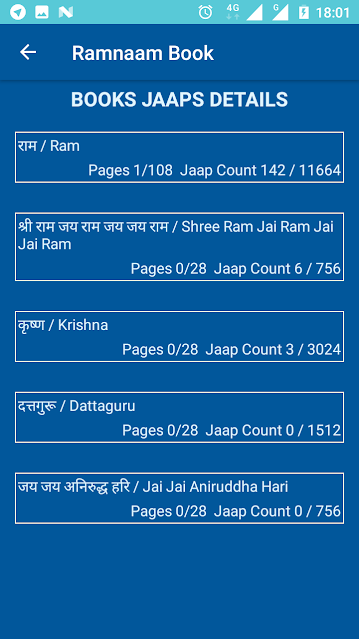
Aniruddha's Bank of Ram Nam is a project started by "Sadguru Shri Aniruddha Bapu". This is a book completely devoted to God. The book contains 220 pages which includes the following,

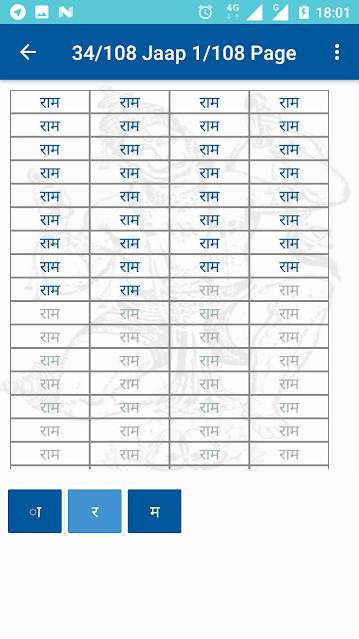
1) Ram Nam -- Each page has 12 rows and 9 columns totalling 108 squares devoted to writing this Nam. Each page also contains 3 images of god Hanuman.
 2) Shri Ram Jai Ram Jai Jai Ram Nam -- Each page has 3 rows and 9 columns totalling 27 rectangles devoted to writing this Nam. Each page also contains 3 images of god Hanuman.
3) Krishna Nam -- Each page has 12 rows and 9 columns totalling 108 squares devoted to writing this Nam. Each page also contains 3 images of god Hanuman.

4) Dattaguru Nam -- Each page has 6 rows and 9 columns totalling 54 squares devoted to writing this Nam. Each page also contains 3 images of god Hanuman.
 5) Jai Jai Aniruddha Hari Nam -- Each page has 3 rows and 9 columns totalling 27 rectangles devoted to writing this Nam. Each page also contains 3 images of god Hanuman.
The holy purpose behind images of god Hanuman on each page of note book is to do POOJA of god Hanuman alongwith writing the Nam.
What is the main purpose behind starting this project?
The main purpose behind starting this project is to take a human being more and more closer towards god. God's name is the most powerful way to deal with all kinds of challenges we face in real life. We should never forget the god. God is everywhere and he is watching us always. The more you take god's name, the better comes to you. So, P.P. Aniruddha Bapu started this project. Here alongwith writing Nam, you will be doing POOJA of god Hanuman too. P.P. Aniruddha Bapu has adviced everybody to write this note book as many times as possible. This will increase the power of human to face all kinds of challenges and go closer to god.
Who can write this note book?
The note book can be written by any person of any age. Every Bhakta may however on special occasions (e.g. birthdays, weddings) resolve to fill in a note book for the benifit of the dear one, in which case the notebook may be used accordingly. The benefit will be for both (who is writing the notebook and for whom notebook is written)
How can the note book be written?
Bhakta may fill in their note books in a script and ink of their choice. The note books may please be written in a legible hand.
Which age group can do this?
Age will be considered no bar as regards filling in the notebook. Are there any time/place restrictions? The time period and the place impose no restrictions on the completion of the notebook.
Where to submit the notebook?
Once completed, the notebook can be submitted in any of the branches of The Aniruddha's Bank Of RamNam. All transactions of the bank will comply with its official mode of operation. The banking year for Aniruddha's Bank of RamNam will be Aniruddha Pournima to Aniruddha Pournima.
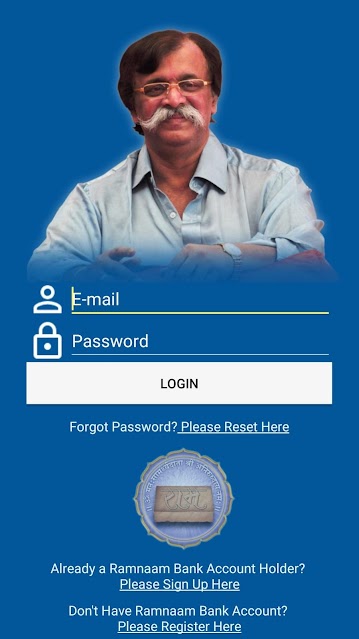
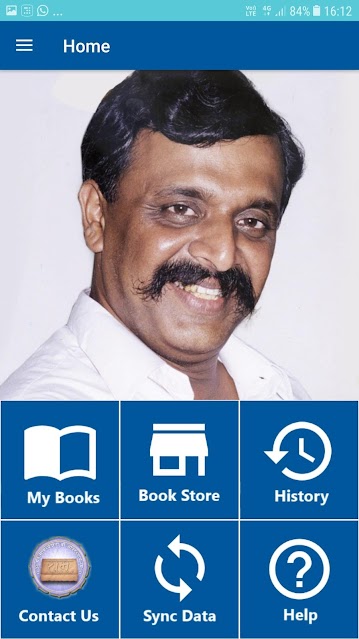
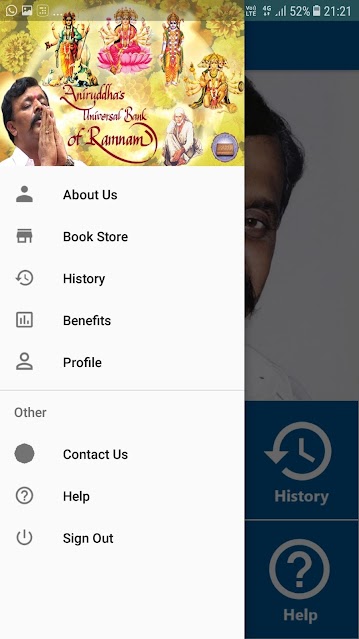
Digital Ramnaam Book
Android App for writing Digital Ramnaam Book is now also available on Google Play Store. Below is the link to download,
https://play.google.com/store/apps/details?id=com.ramnaam_bank.ramnaambook
Comments
Post a Comment